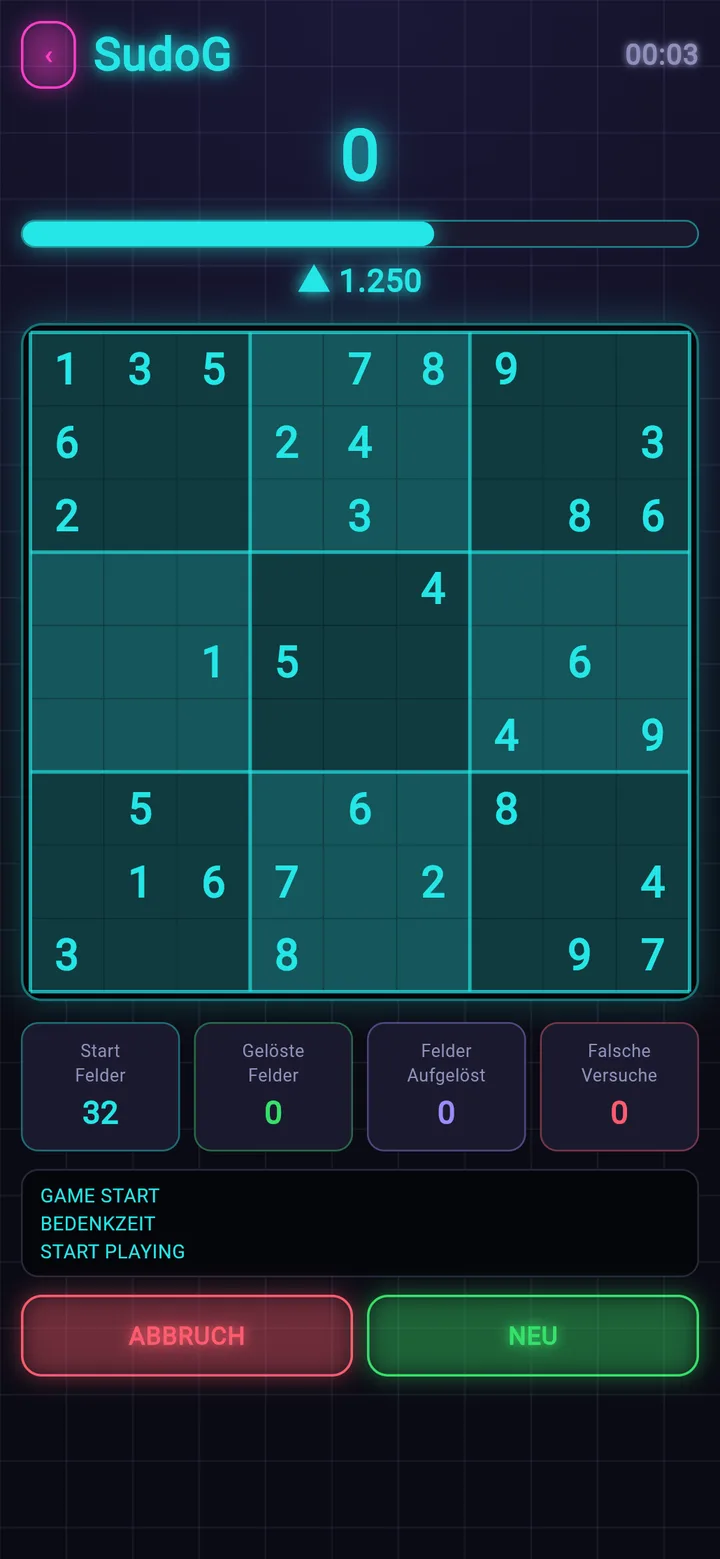
SudoG
Sudoku against the clock — speed earns points, chain bonuses and medals.
 SudoSuite
Play. · Create. · Solve.
Play Sudoku, have it solved for you, and print your own puzzle booklets as PDF — four tools in one app.
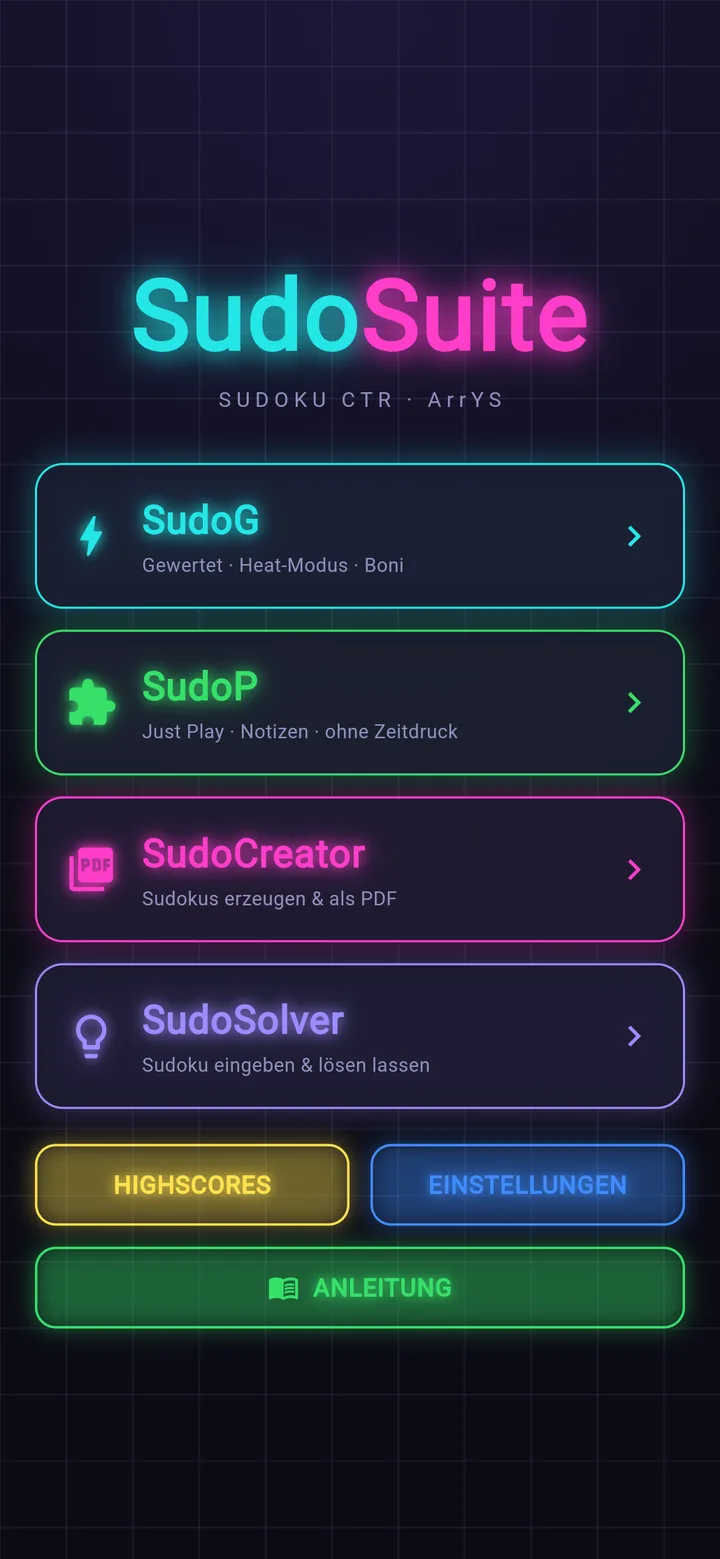
Every module has its own colour — in the menu, in the game and on every printed sheet.
Sudoku against the clock — speed earns points, chain bonuses and medals.
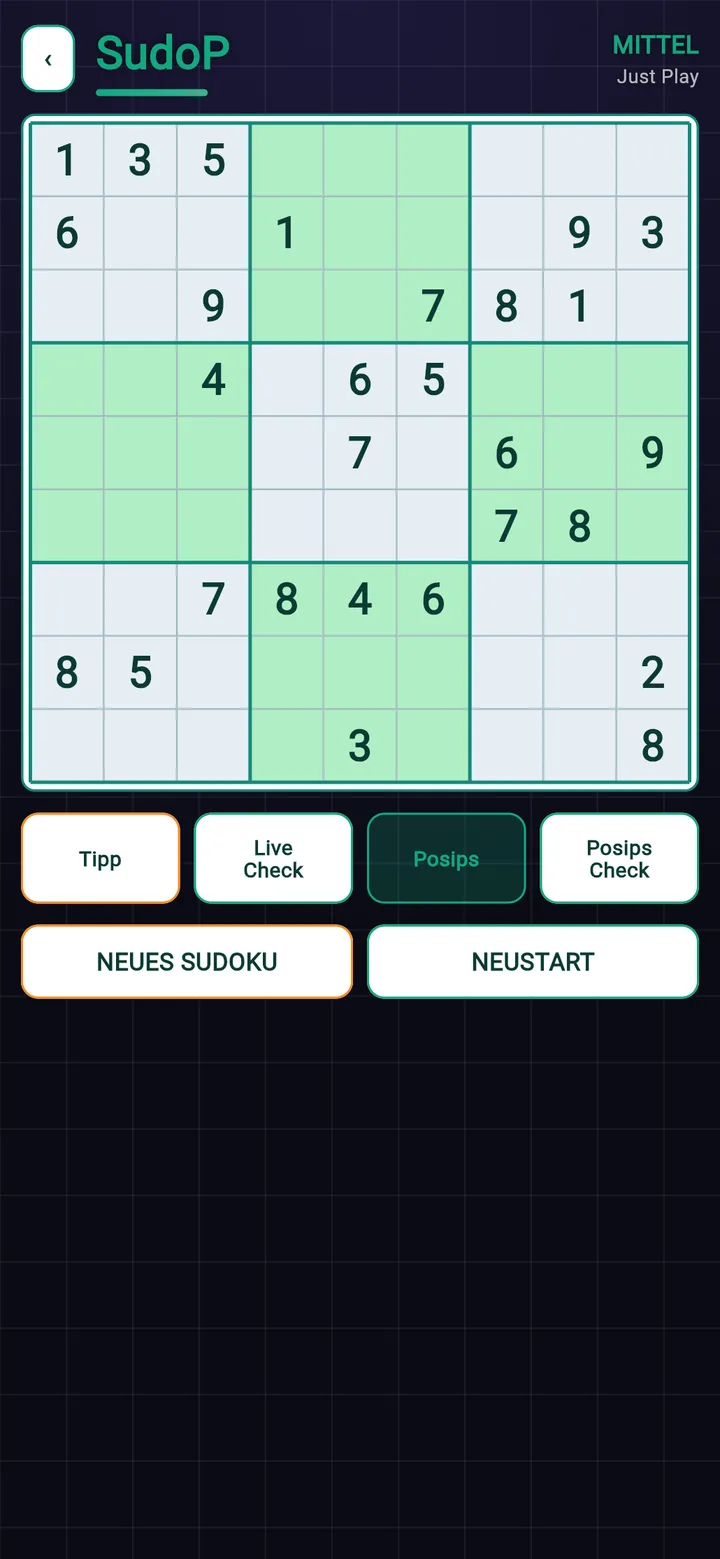
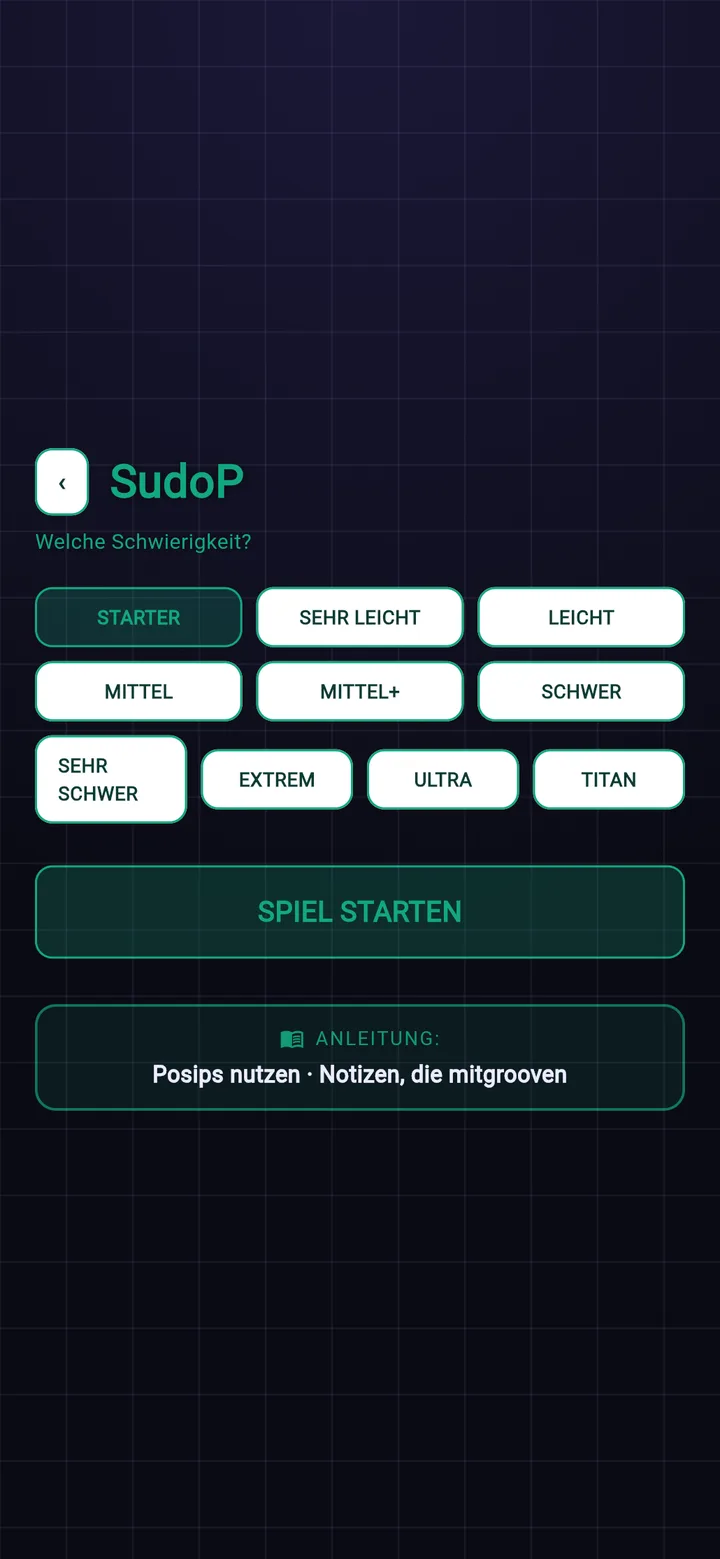
Play at your own pace, with pencil marks like on paper and hints whenever you want them — from Starter to Titan.
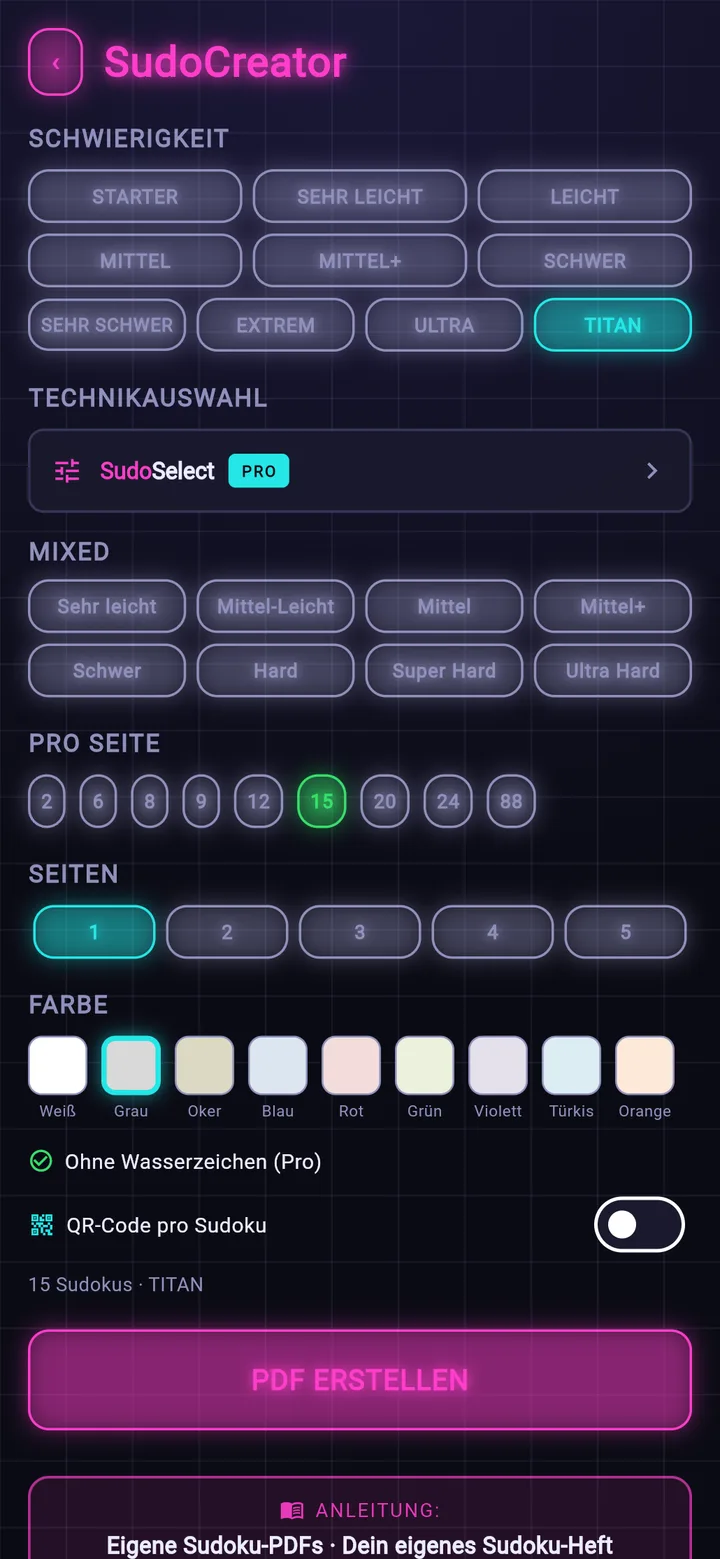
Create your own Sudoku booklets as PDF — print them or give them away.
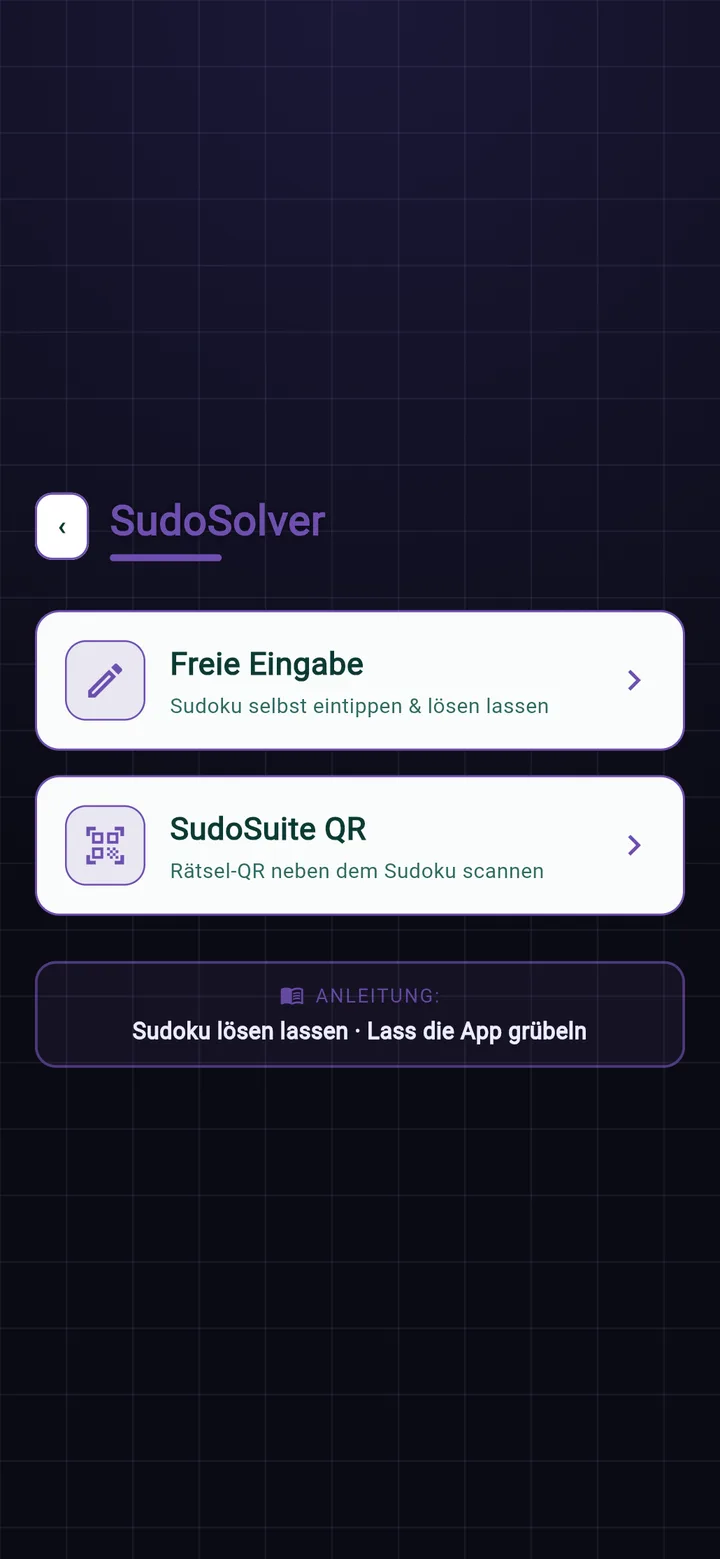
Type a puzzle in or scan its QR code — the app walks you through the solution step by step.
From your very first puzzle to ones that keep experienced solvers busy — and if you like, you decide yourself what goes into it.
From Starter to Titan. In the top four, trial and error stops working — they call for named techniques such as X-Wing or Swordfish. Every Titan contains at least one guaranteed chain.
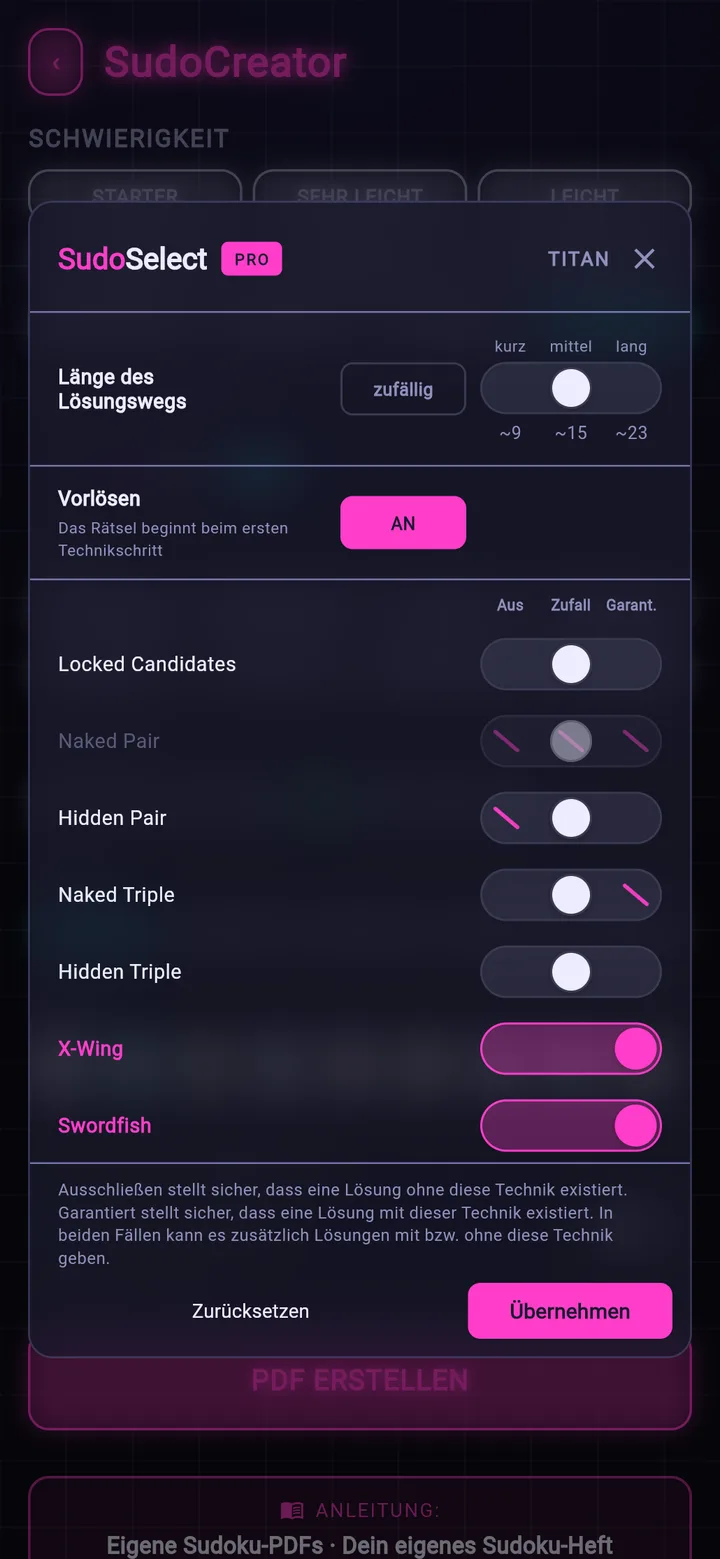
Order the puzzle in advance: exclude a technique, leave it to chance or guarantee it, choose the length of the solving path, and have the obvious numbers pre-solved. While playing in SudoP and while building booklets in SudoCreator.
The loop you will not find anywhere else: from your phone onto paper and back again.
Pick difficulty, count and layout — SudoSuite turns it into a finished puzzle booklet as PDF.
Print it at home or send it on. Every puzzle carries a QR code next to it.
Stuck on paper? Scan the QR code — the app shows you the next logical step.
“Create your booklet in the app, print it out — and when you get stuck solving it on paper, scan the QR code next to the puzzle. The app shows you the next logical step.”
Plus nine paper colours and QR codes as you like — every sheet below came out of the app exactly like this. Swipe, or tap a number.
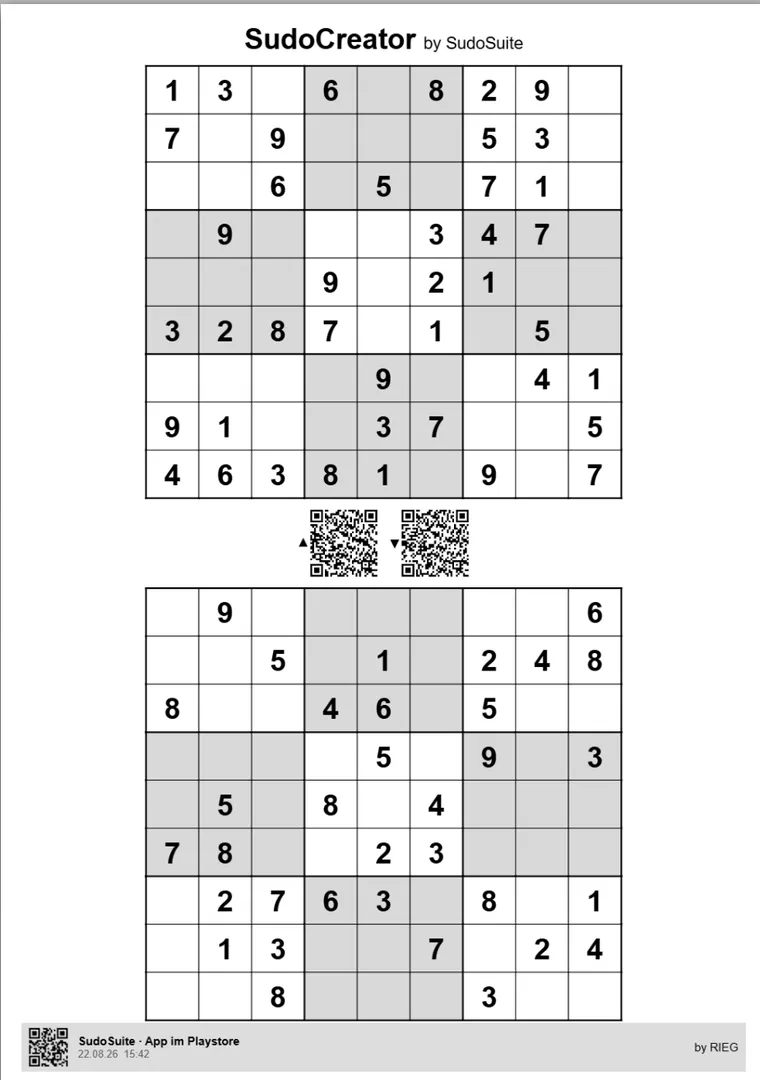
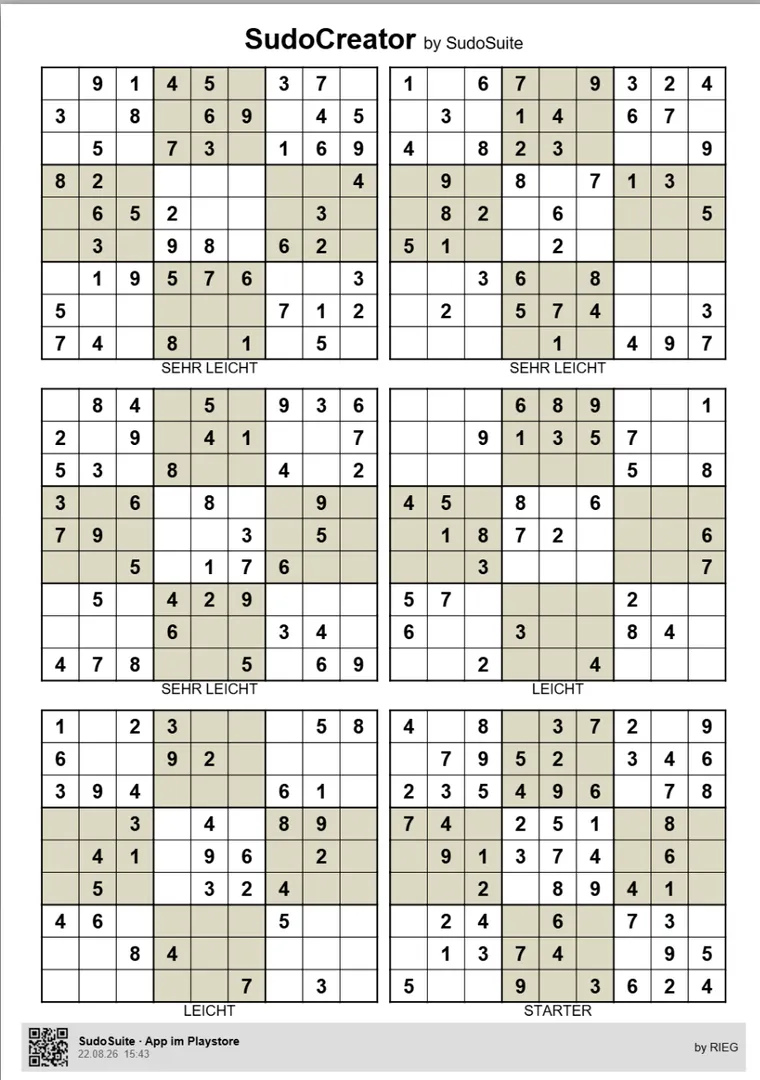
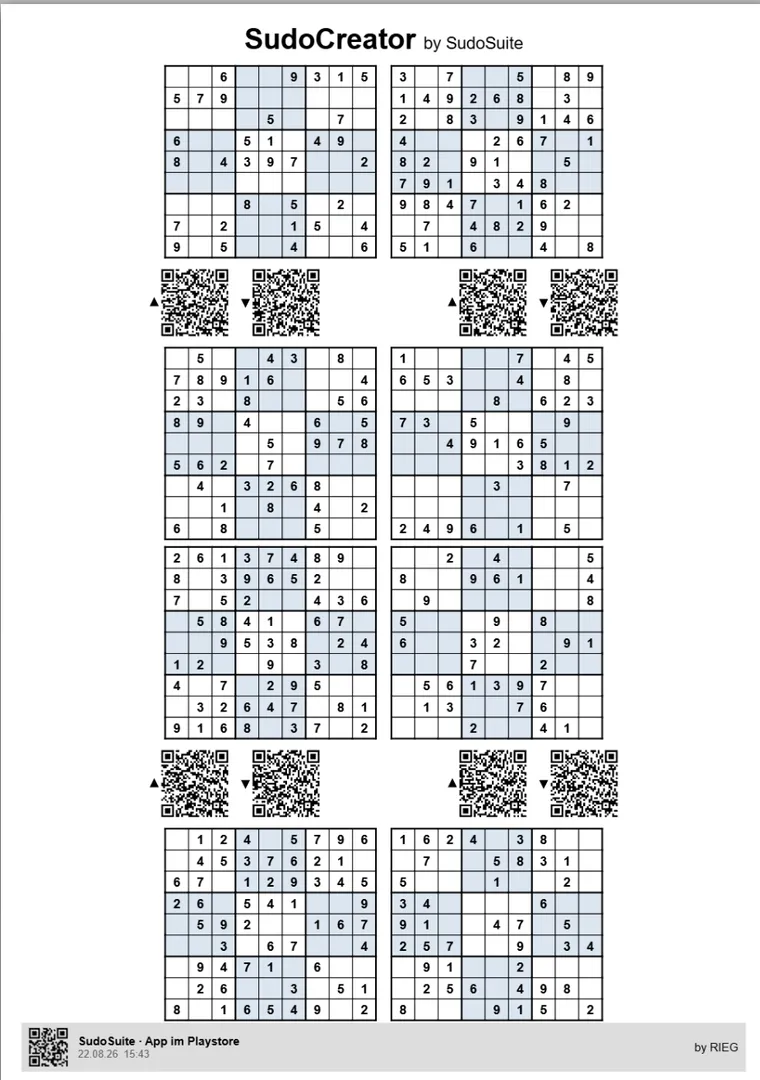
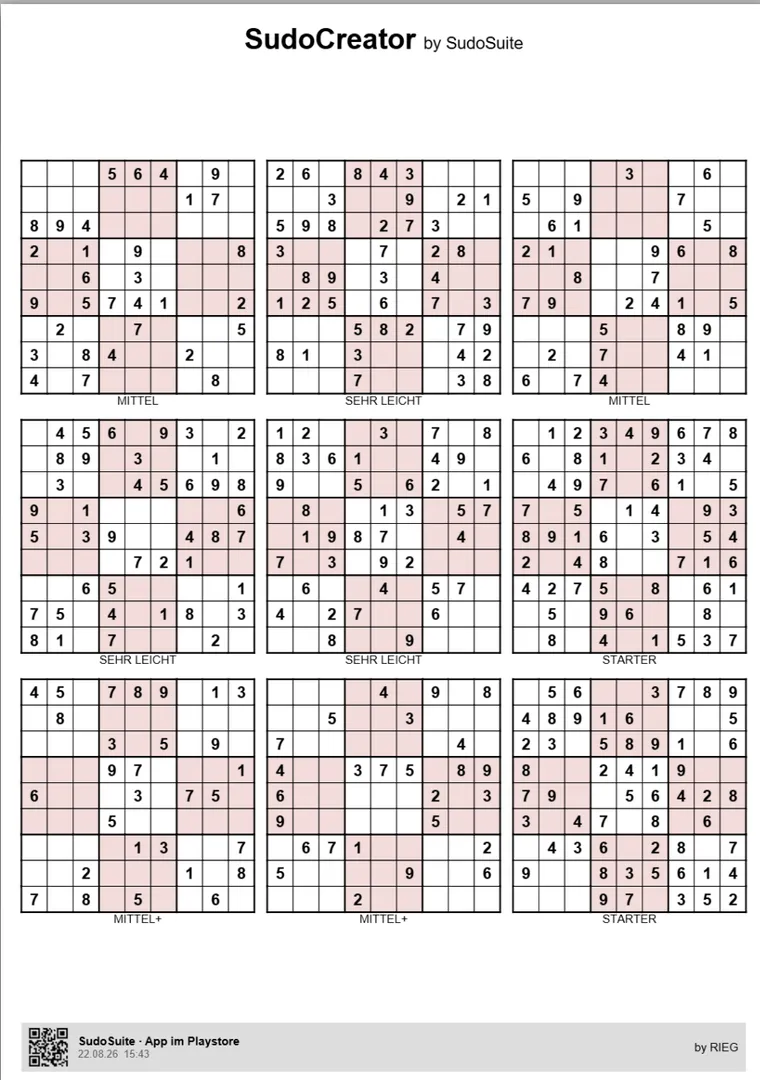
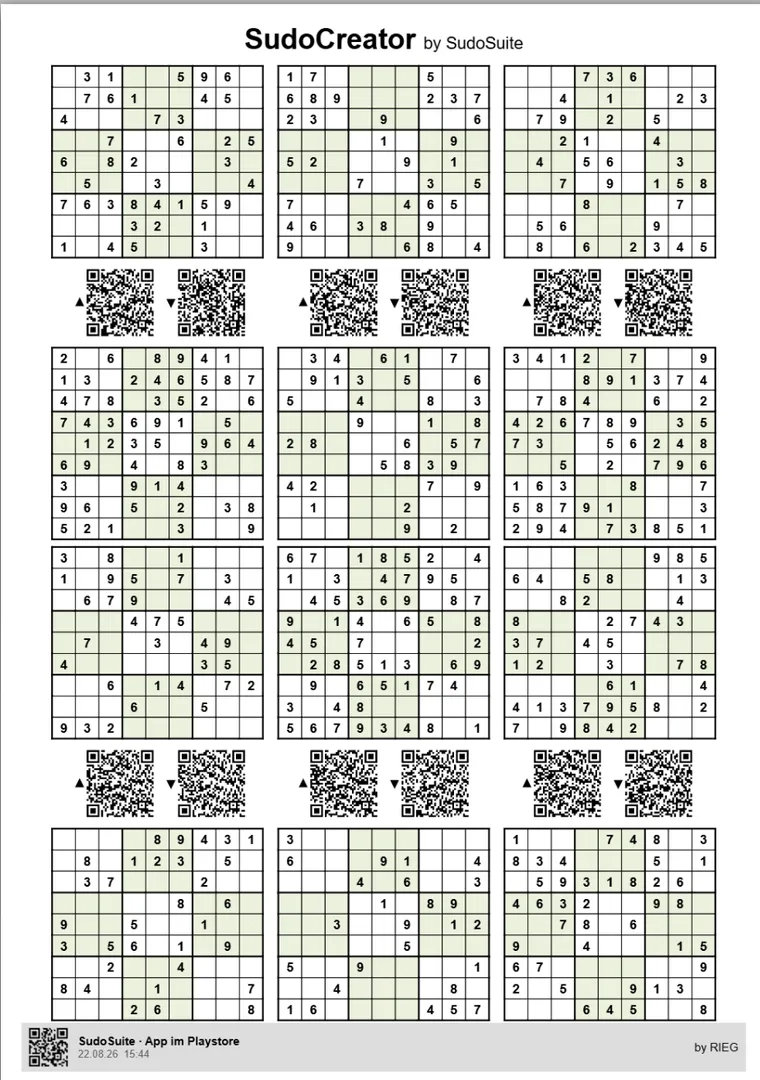
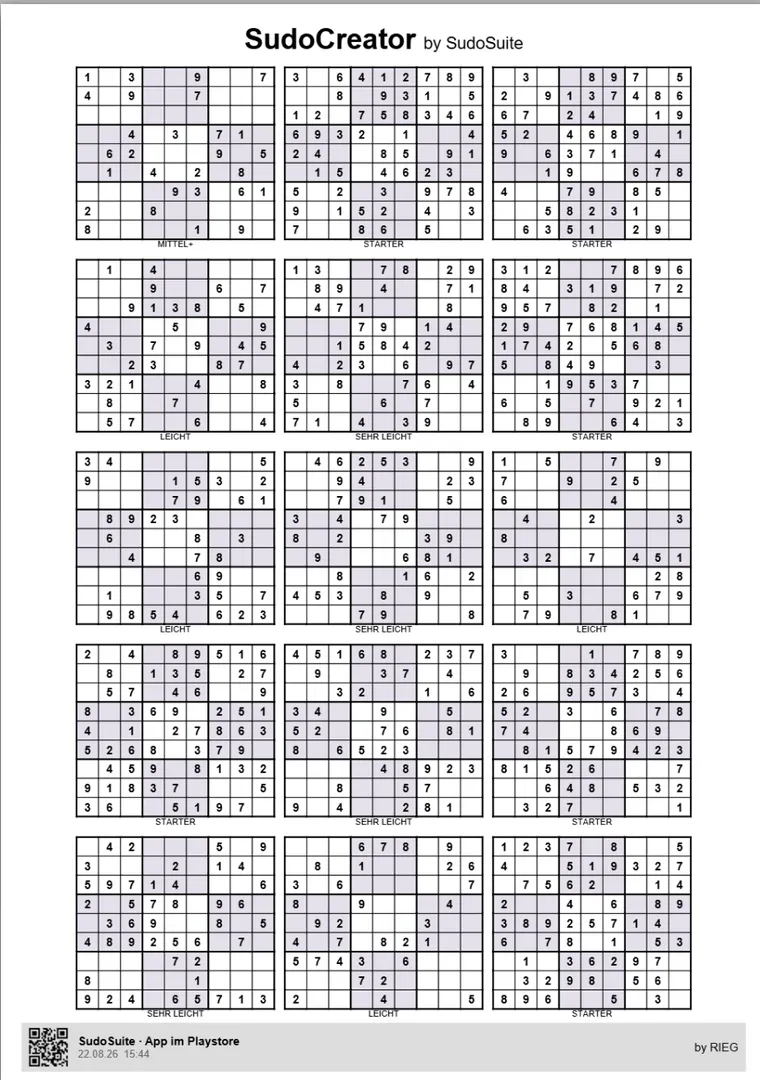
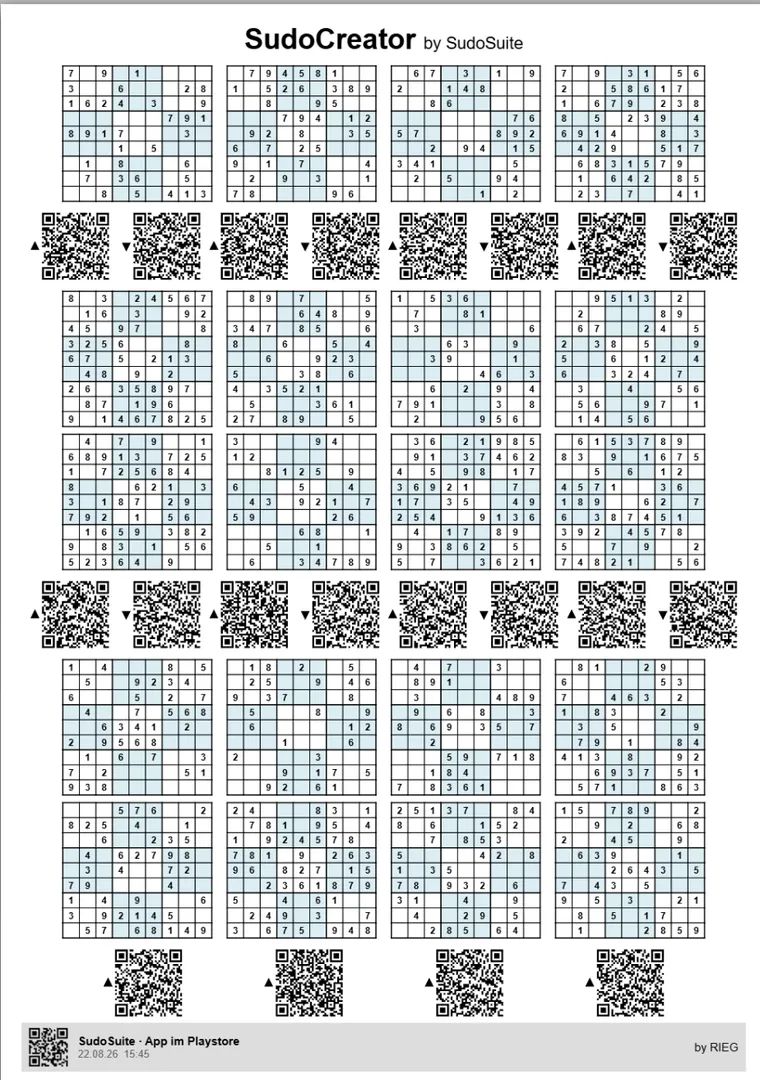
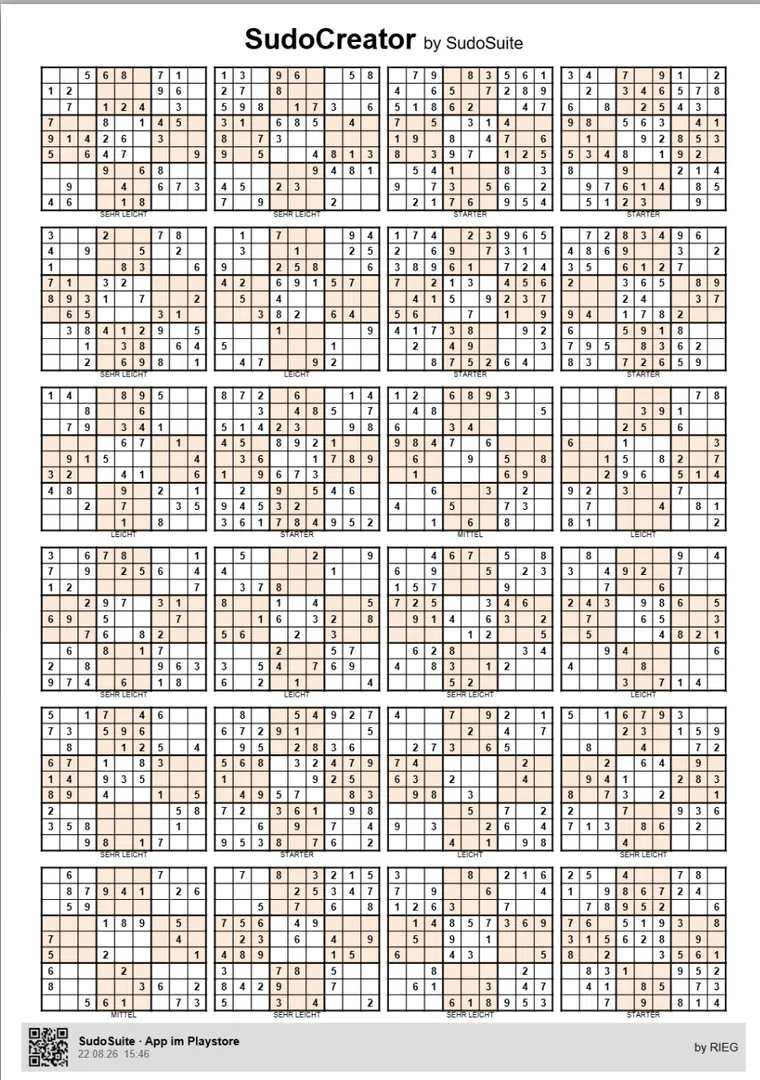
Ready-made sheets to print are available as PDFs further down.
One ready-made sheet per difficulty, straight out of SudoCreator — free, with a solution QR code next to every puzzle. That way you can try the loop right away.
SudoCreator
Ready-made sheets from SudoCreator, each with solution QR.
Difficulty
Mixed — different difficulties on one sheet
Opens in a new tab